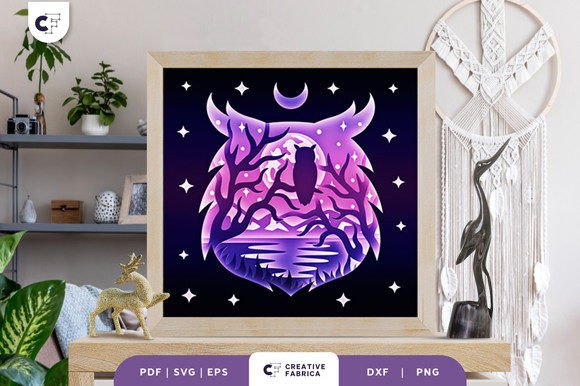
Owl on a Branch 3D Shadow Box SVG: A Creative Craft for All Skill Levels
For crafters and DIY enthusiasts, the Owl on a Branch 3D Shadow Box SVG offers a unique opportunity to create stunning, layered paper art. This detailed design is ideal for those who enjoy working with cutting machines like Cricut or Silhouette, but it’s also accessible to those who prefer using traditional tools like an art knife or scissors. Whether you're looking to add a personalized touch to your home decor or create a thoughtful gift, this template provides endless creative possibilities.
What Is the Owl on a Branch 3D Shadow Box SVG?
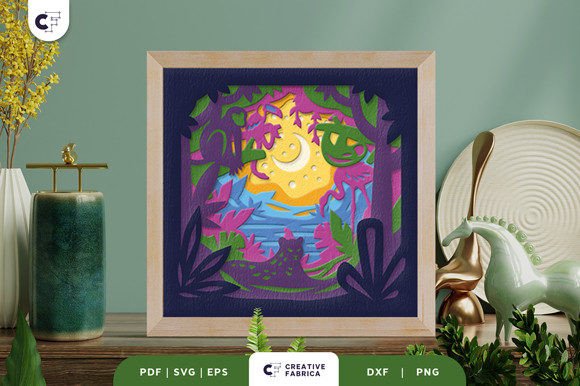
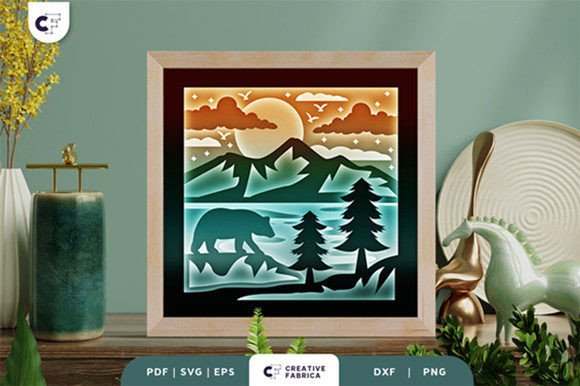
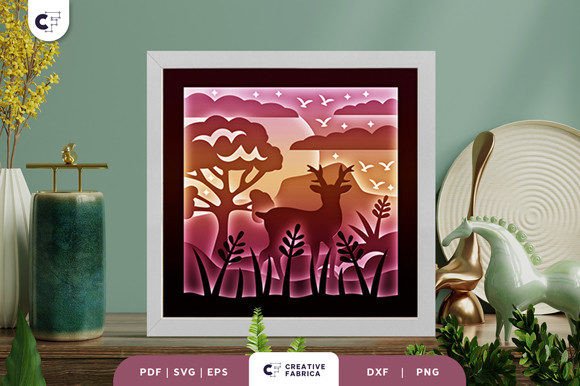
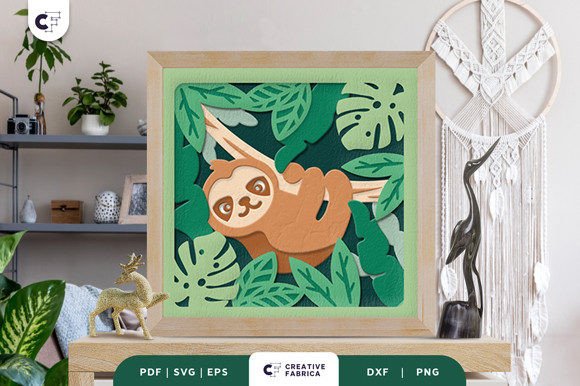
The Owl on a Branch 3D Shadow Box SVG is a digital design that can be used to create a multi-layered paper sculpture. It features nine distinct layers, each of which contributes to the final 3D effect when assembled. The design showcases an owl perched on a branch, with intricate details that bring the scene to life. The finished product can be framed as a wall decoration or enhanced with LED lighting for a more dramatic display.
This template is available in multiple file formats, including SVG, PDF, EPS, PNG, and DXF, making it compatible with a wide range of cutting machines and software. The size of the design is 20.32×20.32 cm, which is ideal for creating a square, eye-catching piece of art.
Why Choose This 3D Shadow Box Template?
The Owl on a Branch 3D Shadow Box SVG is more than just a craft project—it's a versatile tool for creativity. Here are some reasons why this template stands out:
- Layered Design: With nine layers, the design offers depth and dimension, giving the illusion of a three-dimensional scene.
- Easy to Use: The SVG file can be resized while maintaining the correct aspect ratio, allowing for customization based on your needs.
- Multiple Formats: Available in SVG, PDF, EPS, PNG, and DXF, this template works with various cutting machines and manual techniques.
- Customizable: You can choose different paper colors and materials to match your personal style or the intended purpose of the project.
- Gift-Worthy: The final product makes a beautiful, handmade gift for friends, family, or special occasions.
How to Use the SVG File
Using the Owl on a Branch 3D Shadow Box SVG is straightforward, whether you have a cutting machine or not. If you own a Cricut or Silhouette machine, you can easily import the SVG file into your preferred design software and cut the layers. For those without a cutting machine, the design can be printed and carefully cut by hand using an art knife or scissors.
Once all the layers are cut, you'll need to assemble them using glue or double-sided tape. The key to achieving the 3D effect is to stagger the layers so that they appear to recede into the background. This creates a sense of depth and realism that makes the owl and branch stand out.
Creating a Light Box Effect
One of the most exciting ways to use this template is by turning it into a light box. By adding LED strips between the layers, you can create a glowing effect that enhances the visual appeal of the owl and branch. This technique is perfect for adding a magical touch to your home decor or for creating a unique centerpiece for a special event.
To make a light box, simply place the LED strips behind the layers and secure them with adhesive. You can then cover the back of the shadow box with a translucent material to diffuse the light evenly. This method not only adds a modern twist to the design but also makes it a functional piece of art.
Choosing the Right Materials
The quality of your materials plays a significant role in the final outcome of your project. The template recommends using Encore Cardstock 80 lb cover (216 gsm), which is known for its durability and smooth finish. However, you can also experiment with other types of cardstock, such as patterned paper, metallic foil, or even fabric for a more textured look.
When selecting paper colors, consider how they will interact with the lighting if you're creating a light box. Darker shades may absorb more light, while lighter colors can reflect it, creating a more vibrant effect. Don’t be afraid to mix and match colors to achieve the desired aesthetic.
Common Mistakes to Avoid
While the Owl on a Branch 3D Shadow Box SVG is designed to be user-friendly, there are a few common mistakes that beginners should be aware of:
- Incorrect Cutting: Make sure to follow the design lines carefully to avoid misalignment between the layers.
- Improper Assembly: Staggering the layers correctly is essential for achieving the 3D effect. Take your time to position each layer properly.
- Ignoring the Aspect Ratio: While the SVG file can be resized, it's important to maintain the original proportions to ensure the design looks balanced.
- Overusing Glue: Excess glue can cause the layers to warp or become difficult to handle. Use just enough to hold the pieces in place.
Where to Find the Template
The Owl on a Branch 3D Shadow Box SVG can be purchased from various online stores that specialize in crafting supplies. Some platforms offer the template as a downloadable file, while others provide physical copies of the design. When purchasing, always check the seller's reviews and ensure that the file formats match your needs.
If you're interested in buying the recommended Encore Cardstock, you can visit 12×12 Cardstock Shop. This is a paid link, but it supports the creator without any additional cost to you.
Conclusion
The Owl on a Branch 3D Shadow Box SVG is a fantastic resource for crafters of all skill levels. Its detailed design, versatility, and ease of use make it a valuable addition to any creative toolkit. Whether you're looking to enhance your home decor, create a meaningful gift, or explore new artistic techniques, this template offers a rewarding and satisfying experience.
By following the instructions and experimenting with different materials and effects, you can turn this simple design into a truly unique piece of art. So, grab your tools, get creative, and enjoy the process of bringing the owl on a branch to life.